Start with a clear photo
Photograph the room in daylight, with the main walls and furniture visible. Choose an angle that shows the space you want to explore.
See the workflowVizualize AI · Room design ideas
Explore how a different palette, furniture style or atmosphere could change your space. Start with a room photo and use the generated concept to choose a direction.
Basic is $19/month and includes 500 AI renders.
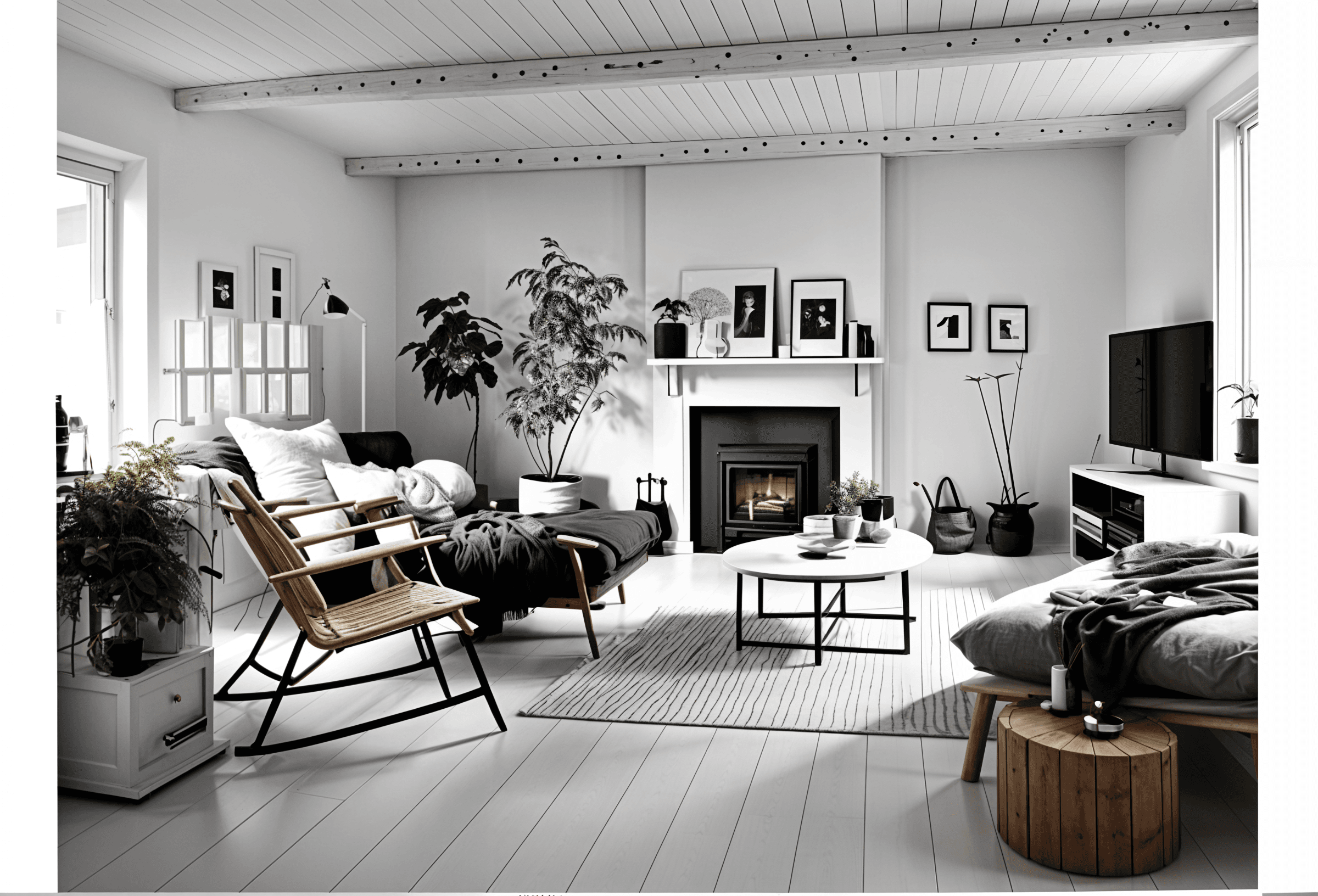 AI design concept
Photograph the room in daylight, with the main walls and furniture visible. Choose an angle that shows the space you want to explore.
See the workflowExplore different interior styles and notice the materials, colors and silhouettes you prefer. Treat each image as a concept to refine, rather than an exact product or construction specification.
Browse room inspirationAI imagery can change scale and architecture. Use your actual room and furniture measurements to check fit before buying, building or hanging anything.
Open free planning toolsSimple, transparent pricing
Create detailed AI room concepts without counting every small change.
Basic
500 detailed AI renders to bring your ideas to life.
14-day money-back guarantee
A few useful answers
Sign in, upload a photo of your room and choose an interior style. The app generates a design concept to help you explore a different look.
Yes. You can use our calculators and gallery wall planner without an account. AI room design is a separate service with plans available in the app.
Use a clear, well-lit photo that shows as much of the room as possible. A phone photo works; daylight and an unobstructed view help.
AI images are design inspiration and can change proportions or architectural details. Check measurements, product dimensions and installation requirements separately before buying or building.
Basic is $19/month and includes 500 AI renders. Your room photo is uploaded in the app. Free planning tools can be used here without signing in.