Explore the visual direction
Use your room photo to try an interior style. Look for ideas you can describe: a warmer palette, lighter furniture, softer textures or a more open feeling.
Explore your styleVizualize AI · Room design ideas
An AI image helps you explore how a room could feel. A measured plan helps you decide what will fit. Use both as you develop your ideas.
Basic is $19/month and includes 500 AI renders.
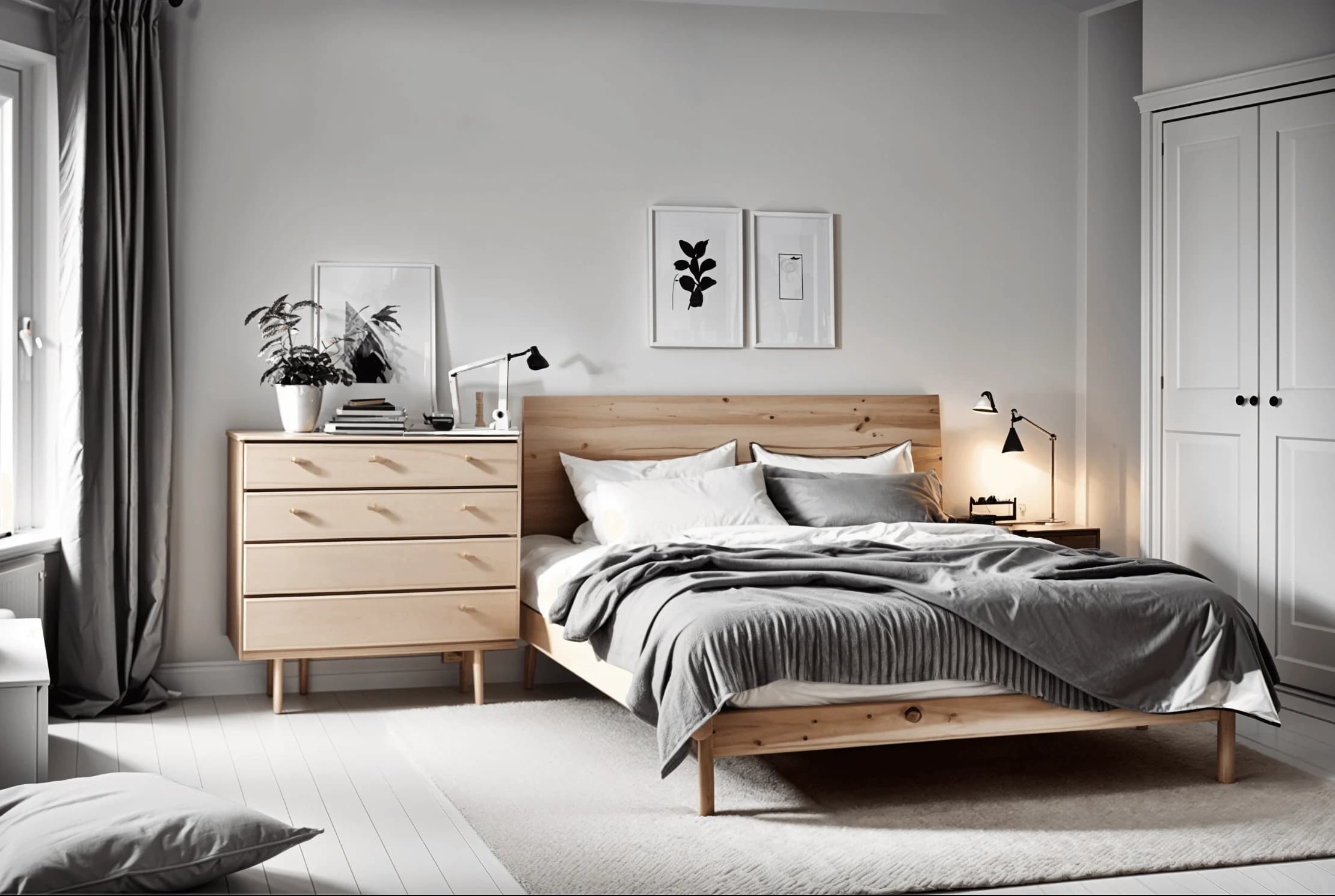 AI design concept
Use your room photo to try an interior style. Look for ideas you can describe: a warmer palette, lighter furniture, softer textures or a more open feeling.
Explore your styleA generated image is not a measured floor plan. Keep your room dimensions, fixed features, door swings and walkways in a separate plan.
Draw a floor planChoose a manageable next step, such as a sofa, a rug or a gallery wall. Check its dimensions and compare options before committing to the purchase.
Choose a planning toolSimple, transparent pricing
Create detailed AI room concepts without counting every small change.
Basic
500 detailed AI renders to bring your ideas to life.
14-day money-back guarantee
A few useful answers
Sign in, upload a photo of your room and choose an interior style. The app generates a design concept to help you explore a different look.
Yes. You can use our calculators and gallery wall planner without an account. AI room design is a separate service with plans available in the app.
Use a clear, well-lit photo that shows as much of the room as possible. A phone photo works; daylight and an unobstructed view help.
AI images are design inspiration and can change proportions or architectural details. Check measurements, product dimensions and installation requirements separately before buying or building.
Basic is $19/month and includes 500 AI renders. Your room photo is uploaded in the app. Free planning tools can be used here without signing in.